
Simple Ways to Reduce Screen Fatigue During Work Hours
Most of us don’t notice it building up. You sit down in the morning with a coffee, open your laptop, and jump straight into emails. By mid-afternoon, your eyes feel like sandpaper, your head throbs, and somehow your neck has turned into something resembling a concrete block. That’s screen fatigue – and honestly, it’s become one of the most quietly damaging parts of modern work life.
What’s remarkable is just how widespread this problem is, and yet how few people actively do anything about it. The good news is that many of the fixes are surprisingly simple, cost almost nothing, and can make a real difference by the end of your first week of trying. Let’s dive in.
The Scale of the Problem Is Bigger Than You Think
Here’s the thing – this isn’t just a minor inconvenience. A landmark meta-analysis published in 2024, covering 103 studies with 66,577 participants, revealed that roughly two thirds of screen users globally experience some form of Computer Vision Syndrome (CVS). That’s an enormous proportion of the working population silently struggling with something that, in many cases, is very treatable.
Hundreds of studies across more than 20 countries have collectively shown that two out of every three knowledge workers have some degree of digital eye strain, and the impact extends beyond individual health, affecting productivity, healthcare costs, and overall employee well-being. Think about that for a second. Nearly every other person at your office – or on your next video call – is dealing with this right now.
Why Your Eyes Struggle So Much With Screens

Screens force your eyes to constantly refocus on pixels, which are tiny dots of light, creating ongoing strain that doesn’t occur when reading printed material. This constant micro-focusing creates what is sometimes called accommodation fatigue. It’s a bit like holding a heavy bag at arm’s length all day. The strain accumulates quietly until it becomes impossible to ignore.
When we concentrate on screens, we blink approximately one third less frequently than normal, reducing the natural lubrication our eyes need. This decreased blinking rate leads to the characteristic dry, irritated sensation that so many screen workers describe. Less blinking sounds trivial, but it’s actually one of the root causes of most digital eye strain symptoms.
The 20-20-20 Rule: Small Habit, Big Impact

The 20-20-20 rule is a simple yet effective habit: every 20 minutes, look at something 20 feet away for at least 20 seconds. This helps relax your eye muscles and gives them a genuine rest from the constant close-up focusing that screen work demands. It sounds almost too easy. That’s probably why so many people never do it.
Research from 2023 validated the 20-20-20 rule’s effectiveness for dry eye symptoms and tear film stability, which gives it solid scientific backing beyond just being practical advice. Some simple ways to actually implement this during your workday include setting an alarm every 20 minutes, getting up and stretching, looking out the window, or grabbing yourself a drink or a snack. Use the break wisely – your eyes and your posture will both thank you.
Get Your Monitor Position Right
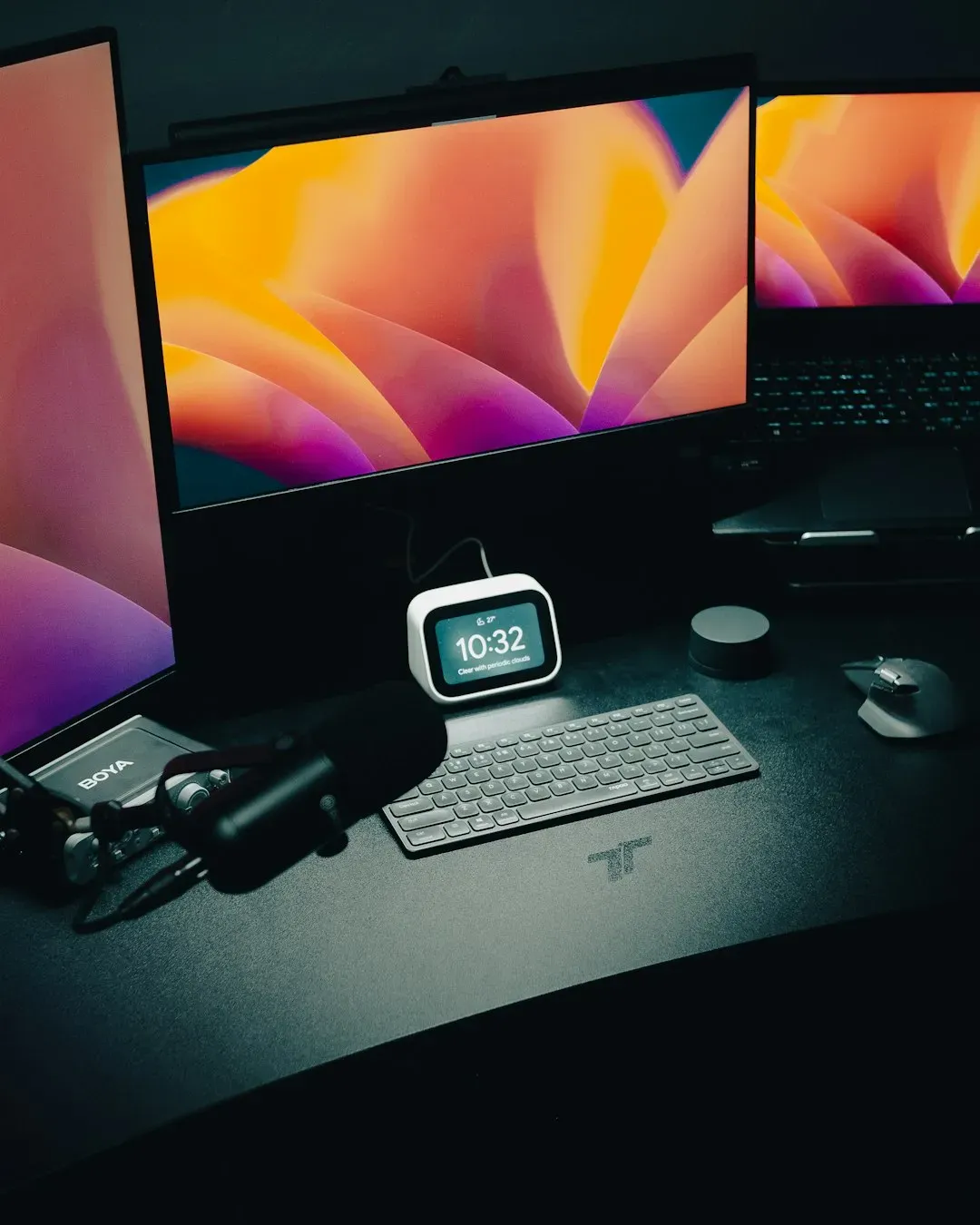
Monitor distance is one of the three pillars of visual ergonomics, alongside monitor height and viewing angle. If your screen is too close, your eyes must work harder to focus, increasing fatigue. If it is too far, you may lean forward unconsciously, straining your neck and shoulders. I think this is the thing most people overlook because it feels overly technical, but it genuinely makes a significant difference.
Your monitor should be at or just below eye level and directly in front of you. This keeps your neck and shoulders relaxed while maintaining proper posture. Adjust the height with a stand or arm until your eyes naturally rest near the top third of the screen. Sit about an arm’s length away, roughly 50 to 70 cm, as this distance helps prevent eye strain and lets you see the full display comfortably without leaning forward or backward.
Fix Your Lighting Before You Fix Anything Else
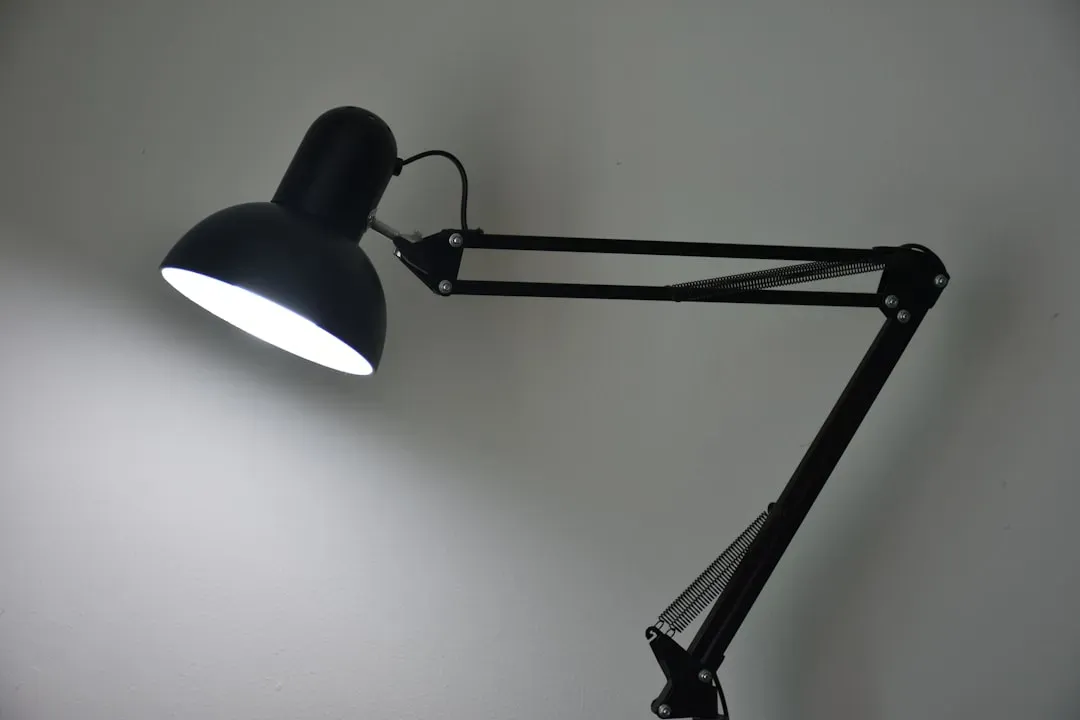
When the lighting in your room differs significantly from the level of light coming from your screen, more strain is placed on your eyes as they try to focus. The contrast in lighting puts extra strain on your vision. By working in a well-lit room, you can even out the light sources and reduce eye strain. Working in a dark room with a bright screen is one of the most common and damaging mistakes people make.
Your screen’s brightness should match the surrounding light in your environment – too bright and it can cause glare, too dim and it forces your eyes to strain. Adjusting your brightness and contrast settings to a level that feels comfortable ensures a balance that prevents excessive eye fatigue. According to the American Optometric Association, you should try to position your screen to avoid overhead light glare, and use blinds, drapes, or other window coverings to properly dim your space. If you have a desk lamp, consider using bulbs with a lower wattage to minimize glare.
Understand the Real Story on Blue Light

Current scientific evidence from 2024 to 2025 studies shows mixed results regarding blue light’s direct impact on eye health. While blue light itself hasn’t been definitively proven to cause permanent retinal damage in humans, it does contribute to digital eye strain symptoms and can significantly disrupt sleep patterns by suppressing melatonin production. It’s a more nuanced picture than the marketing around blue-light glasses would have you believe.
Research published in 2024 examining blue light exposure’s effects on circadian rhythms found that evening blue light exposure from electronic devices can substantially suppress melatonin production and disrupt sleep quality. The study demonstrated that implementing digital curfews two hours before bedtime improved sleep efficiency and reduced daytime fatigue. Extended exposure to blue light from screens can contribute to eye fatigue and disrupt sleep patterns. Enabling blue light filtering settings on your devices, or considering blue light-blocking glasses, may ease strain especially if you work late into the evening.
Address the Hidden Drain of Video Calls

Video call fatigue is the mental, emotional, and physical exhaustion that comes from spending too much time on video calls. Unlike in-person meetings, video calls demand constant attention, both visually and mentally. This heightened focus can leave you feeling unusually tired, even after relatively short meetings. Honestly, that drained feeling after a day of back-to-back calls isn’t just in your head.
Research identified one specific factor that makes a significant difference: the duration of the meeting. Video meetings lasting less than 44 minutes were actually less exhausting than meetings held through other media. This suggests there is a “sweet spot” for virtual collaboration where the efficiency of the format outweighs its cognitive costs. Additionally, research suggests that turning off self-view during video calls can significantly reduce both cognitive load and fatigue. A small setting change, but one worth trying immediately.
Blink More, Use Artificial Tears When Needed

Staring at screens often reduces the rate at which we blink, eventually leading to dry eyes. Consciously blinking more frequently and using artificial tears can help maintain eye moisture levels. Incorporating a humidifier in your workspace can also combat dryness caused by environmental factors. It sounds ridiculously basic to remind someone to blink. Yet it’s genuinely something most of us forget to do when we’re deep in concentration.
Dry indoor air, especially from heating and air conditioning, can make digital eye strain worse. Using a humidifier or repositioning your workspace away from direct airflow can help keep your eyes hydrated. Staying mindful of blinking frequently also prevents dryness. These are small, fuss-free adjustments that require almost zero effort once they become habit.
Take Real Breaks, Not Just Screen Switches

When you take a break, it is important to put the technology down. It might sound obvious, but most of us probably don’t do it. The trap most workers fall into is swapping their work screen for their phone screen during lunch. That’s not a break for your eyes. That’s just a different kind of damage.
Rather than sitting in front of a screen right after work or during breaks, consider taking a walk, catching up with friends, or cooking while listening to music. The less unnecessary screen time you have in your day, the better for your eyes – and sometimes the rest of you too. Research has shown that digital eye strain has an effect on reduced productivity, visual and musculoskeletal impairment, and even a negative impact on cardiac rhythms and sleep patterns. The stakes are real, and genuine offline breaks matter far more than most people realize.
Get a Proper Eye Exam – And Don’t Skip It
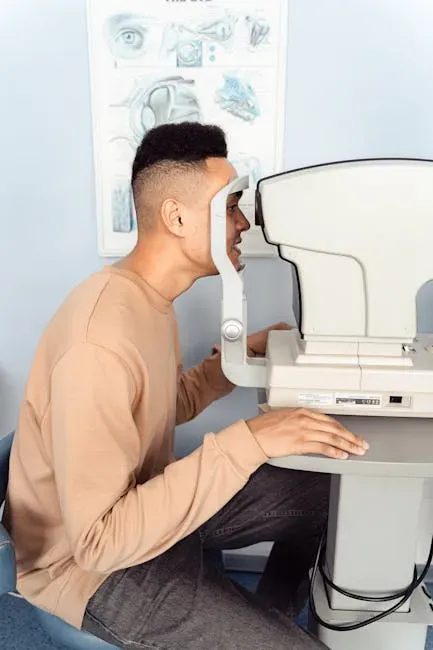
Routine eye examinations are a key part of maintaining overall eye health, especially if you spend long hours in front of screens. These exams help detect and address a range of issues, such as refractive errors like nearsightedness or farsightedness, dry eye syndrome, and even early signs of conditions like glaucoma or macular degeneration. Eye strain caused by digital devices can often be linked to uncorrected vision problems, which an exam can identify and address.
Most adults should schedule a comprehensive eye exam every one to two years, depending on their age, risk factors, and whether they wear corrective lenses. It is important to ensure you get regular eye checkups and wear contact lenses or glasses if you require them. Your eyewear should be up to the demands of your job, so speak honestly with your optometrist about your duties so they can recommend products accordingly. This one step alone can dramatically reduce the screen strain that many people chalk up to just “being tired.”